Skip to content

BUSINESS SECURITY / INTELLIGENCE IN VIEW

See the
whole picture.

More than a camera.
A clearer understanding of your business.

See what is happening. Find the moment that matters. Give the right person a useful next step. Baral IT brings camera coverage, practical AI and your supporting technology together in a security system designed around your workplace.

Let’s design your systemExplore a connected site
THE CONNECTED SITE / SECURITY EXPLORERILLUSTRATED SCENES · NO LIVE CAMERAS
CAM 01 / ENTRANCE
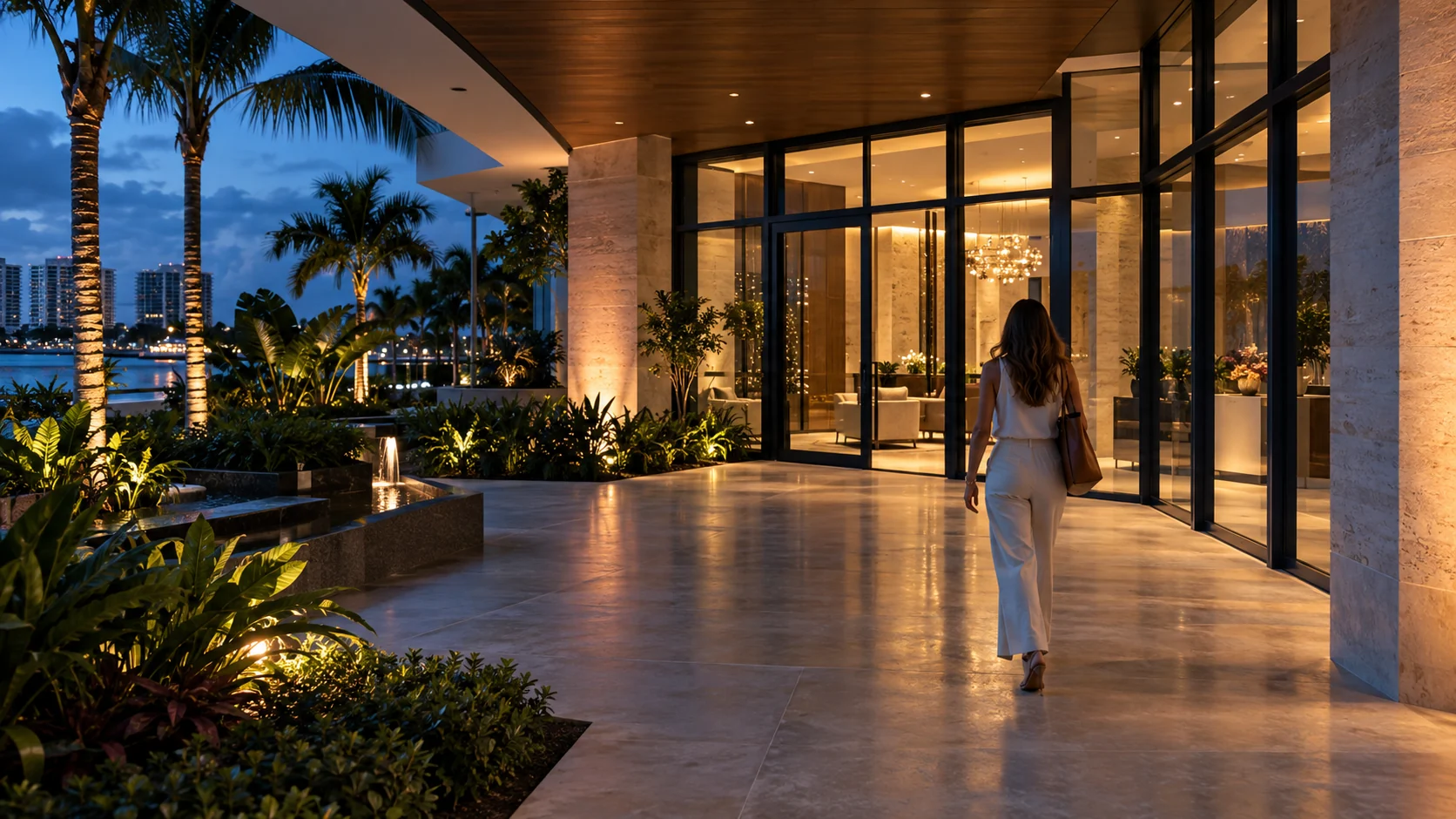
A visitor approaches the business entrance.
PERSON / SELECTED ZONE
SELECTED EVENTILLUSTRATED EXAMPLE
01 / CONNECTED CONTEXTFront entrance

A visitor approaches the business entrance.

Three authored stages. Drag or select a stage.

WHAT THE CAMERA HELPS YOU ANSWER

Who reached the entrance?

Know when someone reaches the entrance without treating every moving branch as a visitor.

Notification proposedEXAMPLE

Person at the entrance

The example matches the current rule and schedule. The proposed action is to notify the designated owner with the related clip.

Example notification

Front entrance · Person activity

Related clip → designated site owner
THE HUMAN NEXT STEP

Open the associated clip, check context and follow your agreed response procedure.

CHANGE THE RULE. SEE THE DIFFERENCE.

Compare general motion with an object-and-area rule. Change the schedule to see why a recorded event does not always need a notification.

Detection
Example time

These AI-generated illustrations and authored event stages demonstrate rule logic. They are not processing video, identifying real people or sending notifications. Real detection performance depends on equipment, placement, lighting and configuration; alerts need a defined human response.

FIND THE MOMENT / NOT HOURS OF FOOTAGE

Describe what
you’re looking for.

On compatible AI-equipped systems, descriptive search can help locate processed detections. Results need review and may be incomplete or inaccurate.

Try the sample event library below. This demonstration uses local keyword matching, not a live AI service.

FOUR AUTHORED EVENTS / EXPLORE THE LIBRARY

Opening a result selects its area and event position in the scene viewer.

THE ADVANCEMENT / IS WHAT YOU CAN DO WITH IT

From recording everything.
To finding what matters.

The value is not a longer feature list. It is the ability to understand an event, review the right footage and connect it to a considered response. We choose capabilities around your business—not the other way around.

01

Activity with context

Person and vehicle classification, selected areas and supported line-crossing or dwell conditions. Review relevant activity without treating every movement as the same event.

Confirm features for the selected cameras and analytics platform.
02

A faster route to review

Descriptive search and AI-generated event summaries on selected systems can help narrow what to review. An AI summary is a starting point, not a verified account.

Search covers supported, analyzed detections; people review the result.
03

Alerts with a purpose

Camera, event and schedule rules direct relevant notifications to designated recipients. Supported integrations can pass an event into an agreed business workflow.

Define the action and owner before turning notifications on.
04

Vehicle detail, designed in

Optional license-plate capture complements wider scene coverage. Correct equipment and placement matter as much as the recognition feature.

Assess capture angle, lighting and moving vehicles at your actual entry.
05

Doors and video, connected

Review supported door events with related camera activity. Plan staff credentials, visitor permissions and schedules around how the business operates.

Confirm door hardware, platform compatibility and the responsible response.
06

A moment you can preserve

Supported clip exports, event notes and incident records make selected footage easier to share with authorized reviewers. Plan preservation before routine recordings expire.

Agree access, retention and the handling of exported information.

ADVANCED OPTIONS / SELECTED SYSTEMS

Build on what is
useful for your site.

Compatible platforms can also support identity-recognition options, audio event detection, supported speech transcripts, visitor intercoms, two-way audio and sensor integrations. We evaluate each against a real purpose, the required hardware and how the resulting information will be used.

Identity and audio features are deliberate choices. They are not required for a useful person-or-vehicle detection system. Image enhancement and AI descriptions do not establish facts that the original recording cannot verify.

Capability examples are based on current manufacturer documentation; availability differs by equipment and software. AI search & analysisEvent rules & integrationsObject analytics

ONE EVENT / A CONSIDERED RESPONSE

The alert is
only the beginning.

A notification is valuable when someone knows what it means and what to do. We scope the path from activity to a responsible decision.

01

Detect

Relevant activity in the agreed area.

02

Add context

Camera, time, recording and related access events.

03

Notify

The designated recipient and supported workflow.

04

Review

A person checks the clip and follows the agreed procedure.

EXAMPLE / DELIVERY COORDINATION

A vehicle reaches the selected loading area → an event links to the clip → the receiving contact gets a scoped notification → the team confirms the delivery. Fewer interruptions, with a clear owner for the next action.

Integration scope, recipients, availability and testing are agreed for your platform. No automated door unlocking is assumed.

THE BARAL IT DIFFERENCE / THE SYSTEM BEHIND THE VIEW

Beautiful visibility.
Built on solid technology.

Your cameras are network devices. Your recorder is a system. Your remote access is an account. Having your IT partner design the entire connection makes the details easier to own.

01

The image

Placement, field of view, lighting and the detail you need.

02

The connection

PoE, cabling, bandwidth and considered network boundaries.

03

The record

Recorder capacity, recording mode, retention and clip preservation.

04

The access

Authorized users, account protections and privacy areas.

05

The ongoing care

Updates, recording checks, rules and support ownership.

YOUR SITE / YOUR REQUIREMENTS

Right camera.
Right place.
Right reason.

A sharp image is useful only if it captures the detail you need. We plan entrances, reception, delivery areas, parking and agreed staff spaces around real sightlines and business workflows.

01 / WALK THE SITE

Coverage priorities, existing equipment, sensitive areas and desired outcomes.

02 / DESIGN & VALIDATE

Equipment, network, storage, detection rules and day/night checks.

03 / INSTALL & HAND OFF

Configured access, tested recordings, user guidance and support responsibilities.

GROW WITH PURPOSE / KEEP OWNERSHIP CLEAR

One location today.
Room for what’s next.

We assess existing systems, phased improvements and multi-location needs. The plan explains what you are buying, what you own and what needs ongoing attention.

Improve what you have.

Start with a coverage and recording review. Keep compatible equipment where it makes sense; target the areas where placement, reliability or visibility need attention.

Plan the complete cost.

Compare cameras, cabling, recorders, storage, analytics hardware, licensing and support. Local-recording platforms such as UniFi Protect can be evaluated alongside other suitable options; optional hardware and services still have costs.

Connect multiple sites.

Explore supported shared viewing and administration with appropriate site permissions. Recording capacity, bandwidth, user roles and ownership are planned for each location.

CAMERAS / AI / ACCESS / CLEAR ANSWERS

Before you choose
your system.

What business security systems does Baral IT provide?

We design, install, configure and support business video surveillance and agreed access-control integrations. The scope can include camera placement, recording, remote viewing, detection rules, notifications, networking, storage and system maintenance. We assess the location and existing equipment before recommending a design.

What can AI cameras detect?

Compatible systems can classify activity such as people and vehicles and apply selected detection areas. Some support additional object, line-crossing or dwell rules. The exact functions depend on the camera, analytics platform and configuration. Detection does not establish intent or prove that a person is authorized.

Can I receive alerts only after hours?

Where supported, notifications can be scoped by camera, event type and schedule. We configure the recipients and test example events against the agreed rules. Notification delivery, escalation and who responds are part of the design; an app alert does not mean a staffed emergency response service is included.

Can I search footage using a description?

Selected AI-equipped systems support descriptive search over analyzed detections. It can help narrow the footage to review, but results may omit relevant activity or misclassify it. Supported hardware, processing capacity, retention and the cameras included in analysis affect what is searchable.

Do all cameras read license plates?

No. License-plate recognition needs compatible equipment and an appropriate capture design. Distance, angle, vehicle speed and lighting affect performance. A context camera may be needed alongside a dedicated plate camera to show the wider scene. We assess the location rather than promising that every camera can read a plate.

Can you connect video with door access?

We assess supported access-control and video integrations so door events and related footage can be reviewed together. Permissions, visitor access, schedules and responsibility for responding are defined for the business. Compatibility with existing door hardware and required specialist work must be confirmed.

Can alerts connect to our business tools?

Compatible platforms can send selected events to supported notification or webhook workflows. We scope and test the integration, recipient access, duplicate suppression and failure handling. Examples include an internal delivery notification or a review task; integrations and automation are agreed for your system.

Can we view cameras away from the office?

We configure supported remote viewing for authorized users, with defined roles and account protections. Connectivity, platform availability and account permissions affect access. Your camera system is treated as part of the business network and reviewed with the same attention as other connected equipment.

Where is our video stored and how long is it retained?

We plan the recording location and retention around camera count, image settings, recording mode, capacity and business requirements. Local recording, supported archive options and selected clip exports have different costs and responsibilities. Retention is agreed and tested; it is not assumed to be unlimited.

Can you improve an existing camera system?

Yes, we can assess image quality, coverage, recordings, network health and available integrations. Reusing compatible equipment may make sense, while some advanced analytics require additional hardware or replacement cameras. We explain the options and limitations before defining the work.

How do you protect sensitive areas and information?

We review placement, privacy masking, user roles and recording requirements with the business. Some systems can mask areas from recordings. Audio, identity recognition and other sensitive features require a specific business purpose, approved configuration and review of applicable obligations. We avoid treating them as default settings.

Do you provide 24/7 alarm dispatch or emergency response?

This page describes technology design, recordings, notifications and support. Staffed alarm monitoring, dispatch or emergency response is a separate service and must be explicitly arranged with an appropriate provider. AI detections and notifications cannot guarantee prevention or response.

What ongoing maintenance does a camera system need?

Cameras, recorders and the supporting network need attention after installation. An agreed plan can include updates, account reviews, recording and storage checks, device connectivity, image-quality checks and detection-rule tuning. Equipment issues and support responsibilities are handled according to the service scope.

Where do you install and support business cameras?

Baral IT serves the Treasure Coast, Palm Beaches, Fort Lauderdale and Miami. We coordinate on-site work and remote configuration around the location, equipment, access and agreed scope.

SOUTH FLORIDA / A CLEARER VIEW

Let’s see what
your business needs.

Bring us your location, your existing system or the area you cannot see clearly. We’ll help define a practical way forward across the Treasure Coast, Palm Beaches, Fort Lauderdale and Miami.